
Simple Steps to Get Started
Getting started with any new endeavor can be straightforward and enjoyable
-
Download the App
-
Create an Account
-
Upload Your Credentials
-
Verify and Organize Your Credentials
-
Set Up Renewal Reminders
-
Track Your CME Credits
Edit Content
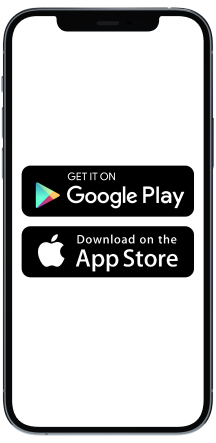
Start by downloading the MiCred app from the App Store or Google Play Store. It’s available for both iOS and Android devices
Edit Content
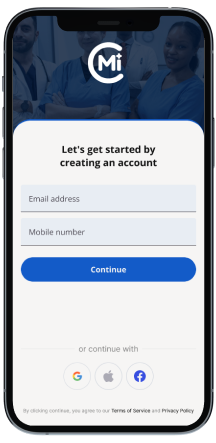
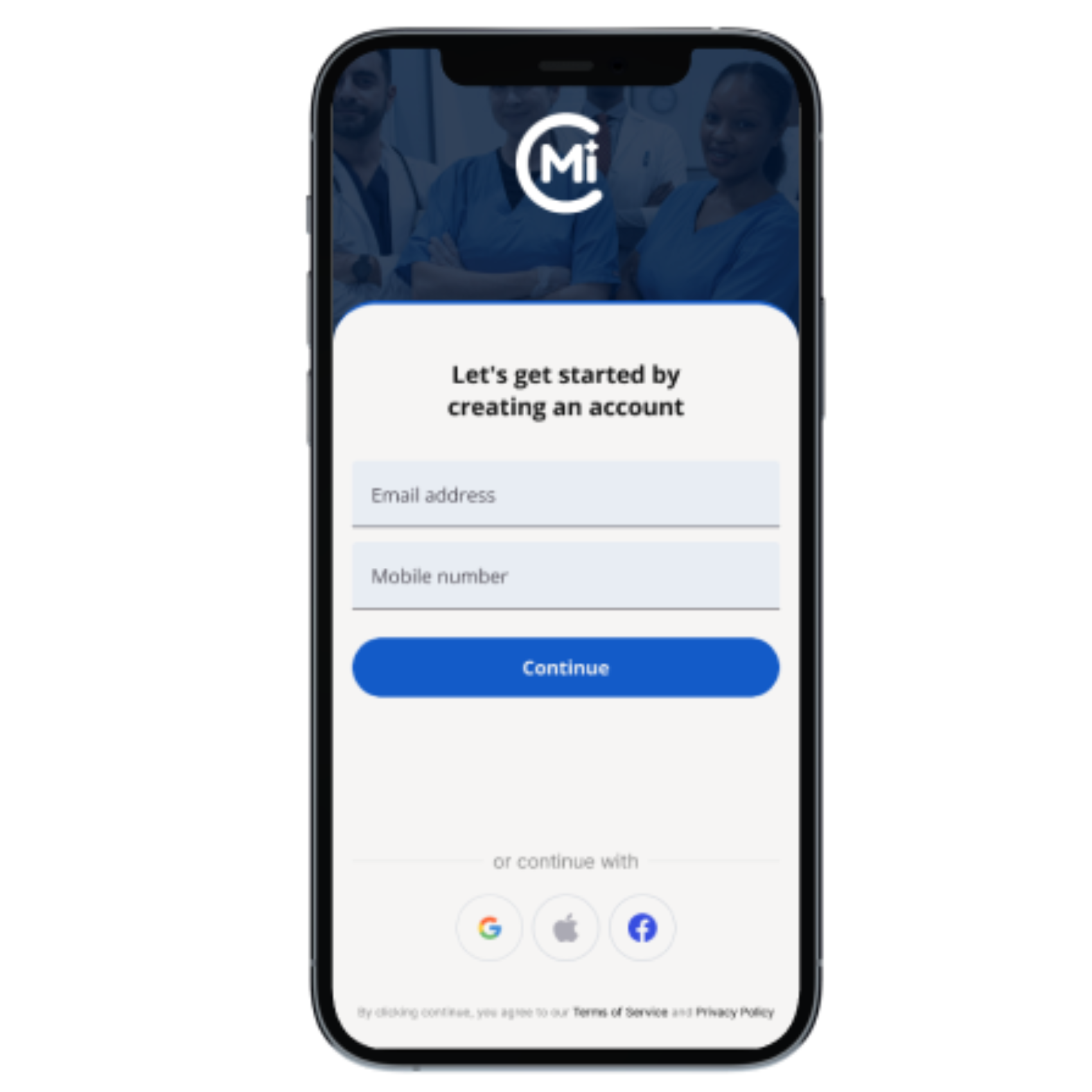
Creating your account is quick and easy. Enter your name, email, and choose a password. You’ll receive a verification email to confirm your account.
Edit Content
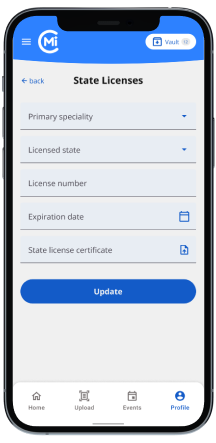
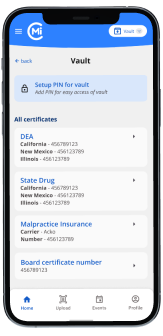
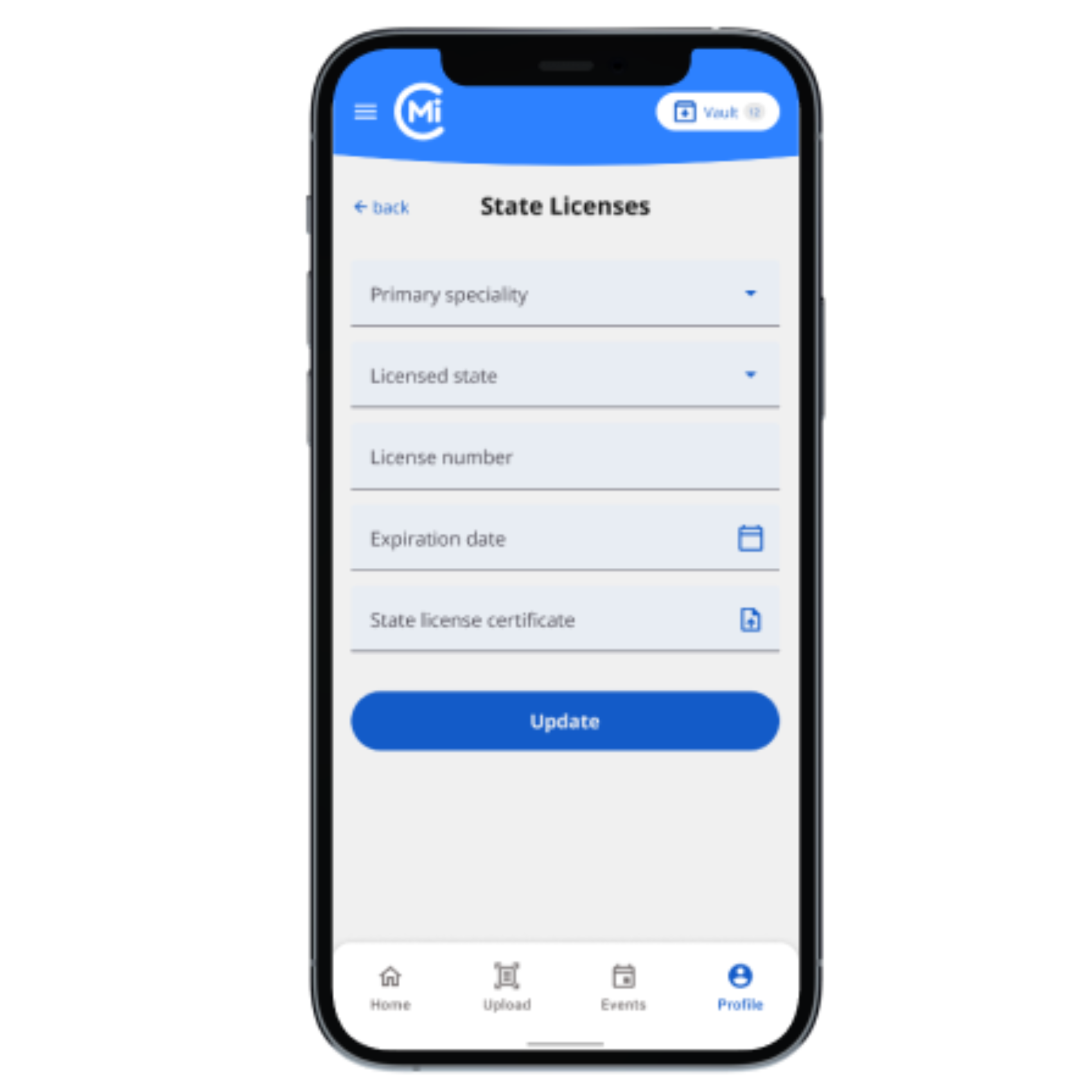
Upload your licenses, certifications, and CME records by simply taking a photo or uploading from your device. MiCred will auto-detect and categorize your documents.
Edit Content
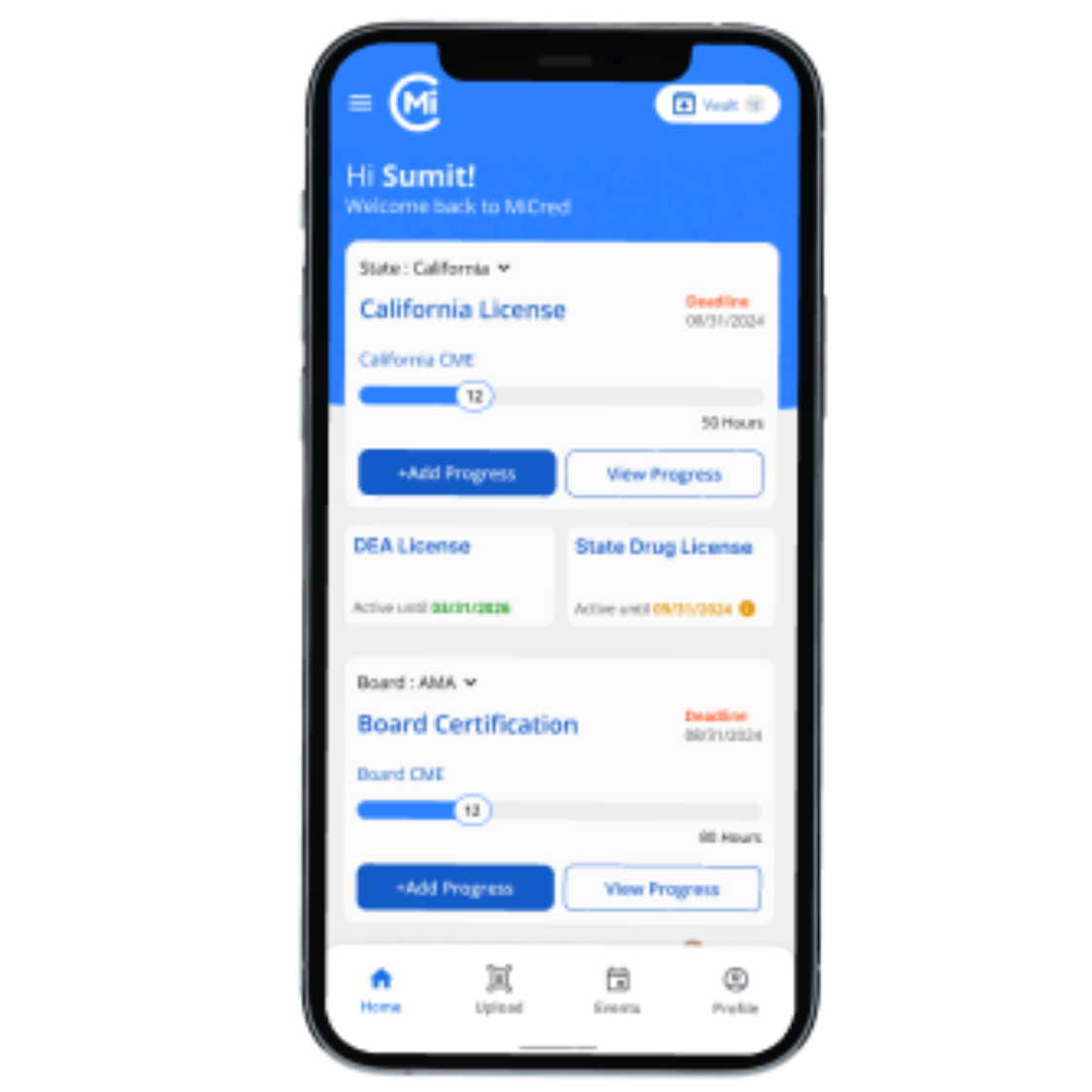
MiCred automatically extracts key information from your documents, like license numbers and expiration dates. You can verify the extracted data and organize your credentials into easy-to-manage categories.
Edit Content
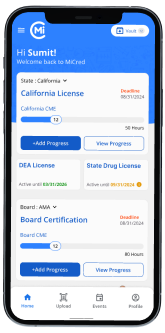
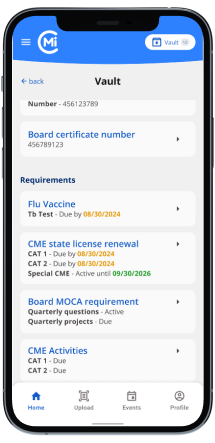
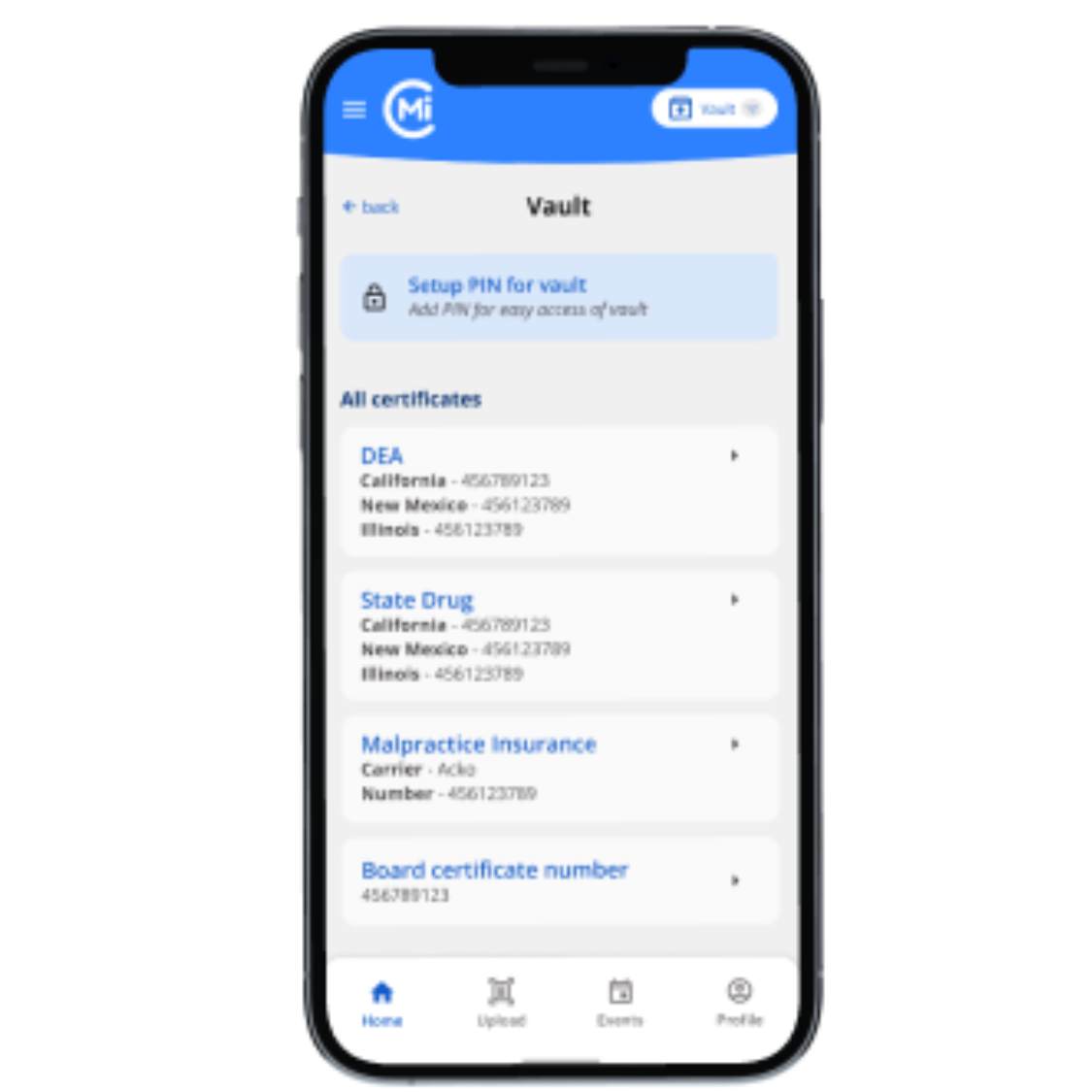
Never miss a deadline again. MiCred will send you reminders ahead of time for license renewals and certifications. Customize when and how you receive notifications.
Edit Content
Easily track your Continuing Medical Education (CME) credits. MiCred lets you input your completed credits and keeps you updated on what’s required to stay compliant.
Create an Account
Creating your account is quick and easy. Enter your name, email, and choose a password. You’ll receive a verification email to confirm your account.
Upload Your Credentials
Upload your licenses, certifications, and CME records by simply taking a photo or uploading from your device. MiCred will auto-detect and categorize your documents.
Verify and Organize Your Credentials
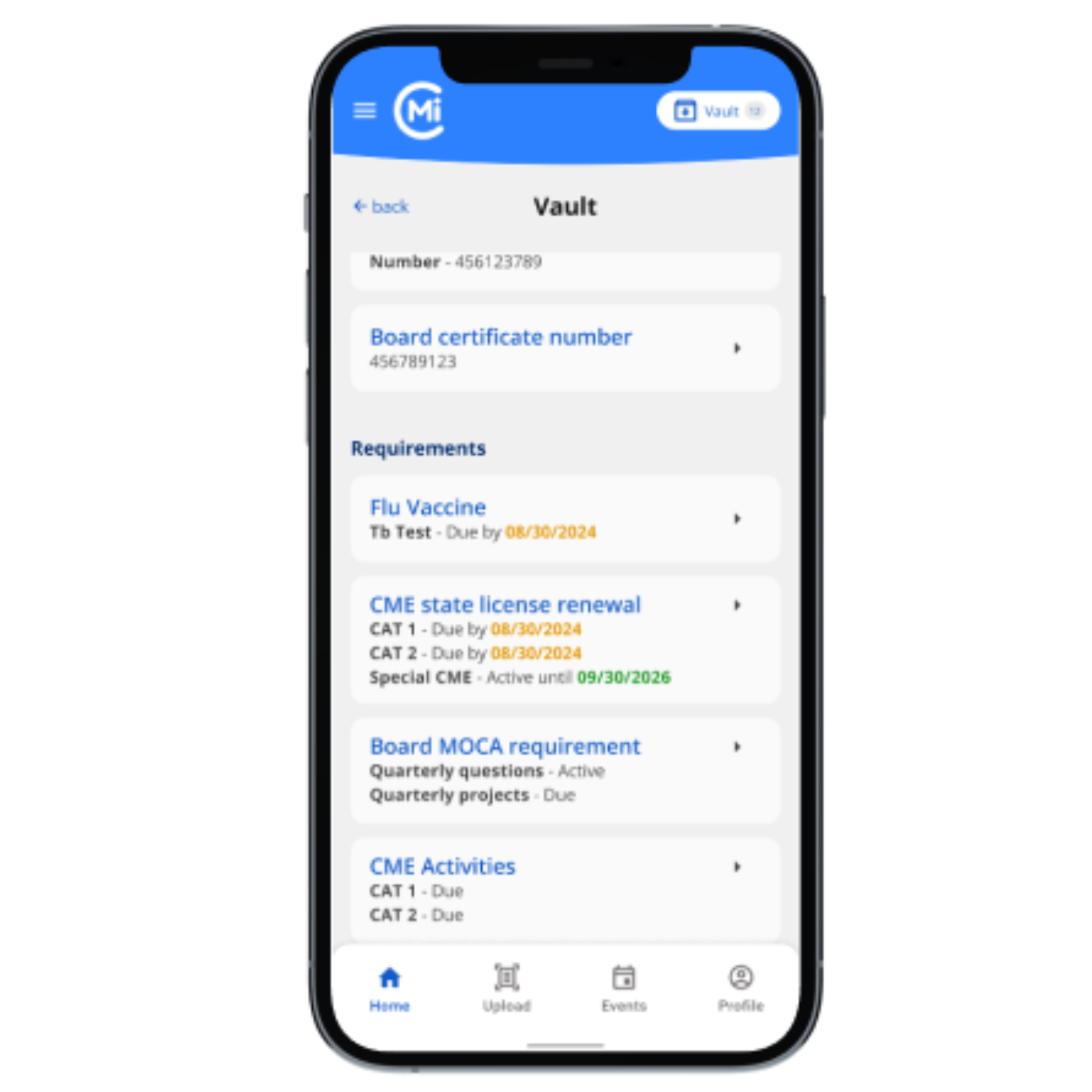
MiCred automatically extracts key information from your documents, like license numbers and expiration dates. You can verify the extracted data and organize your credentials into easy-to-manage categories.
Set Up Renewal Reminders
Never miss a deadline again. MiCred will send you reminders ahead of time for license renewals and certifications. Customize when and how you receive notifications.
Track Your CME Credits
Easily track your Continuing Medical Education (CME) credits. MiCred lets you input your completed credits and keeps you updated on what’s required to stay compliant.
Easy Steps to use the service

Download and Register

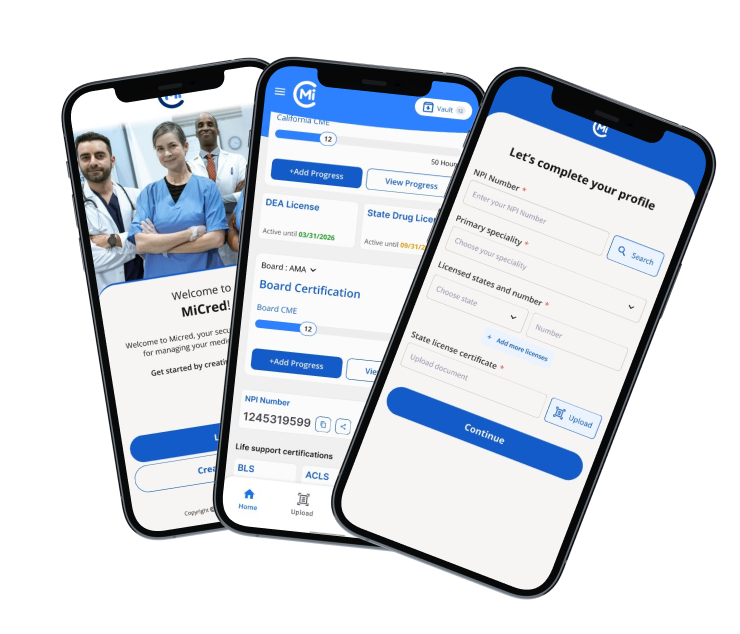
Complete your Profile

Upload Documents

Manage and Track Credentials

Simple Steps to Get Started

Login
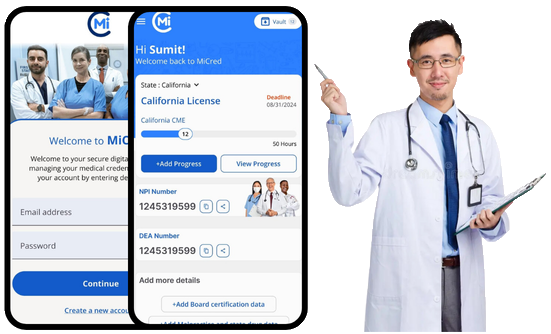
Enter your user ID and password to log in.

Profile Setup
Fill in your personal and professional details.

Dashboard
Get a quick overview of all your important credentials.

Securely Upload, Access, and Share Clinician Credentials Anywhere.
Simplify Your Practice with MiCred
Download MiCred App
Securely Upload, Access, and Share Clinician Credentials Anywhere.
Simplify Your Practice with MiCred
Download MiCred App
Download the App
Start by downloading the MiCred app from the App Store or Google Play Store. It’s available for both iOS and Android devices.